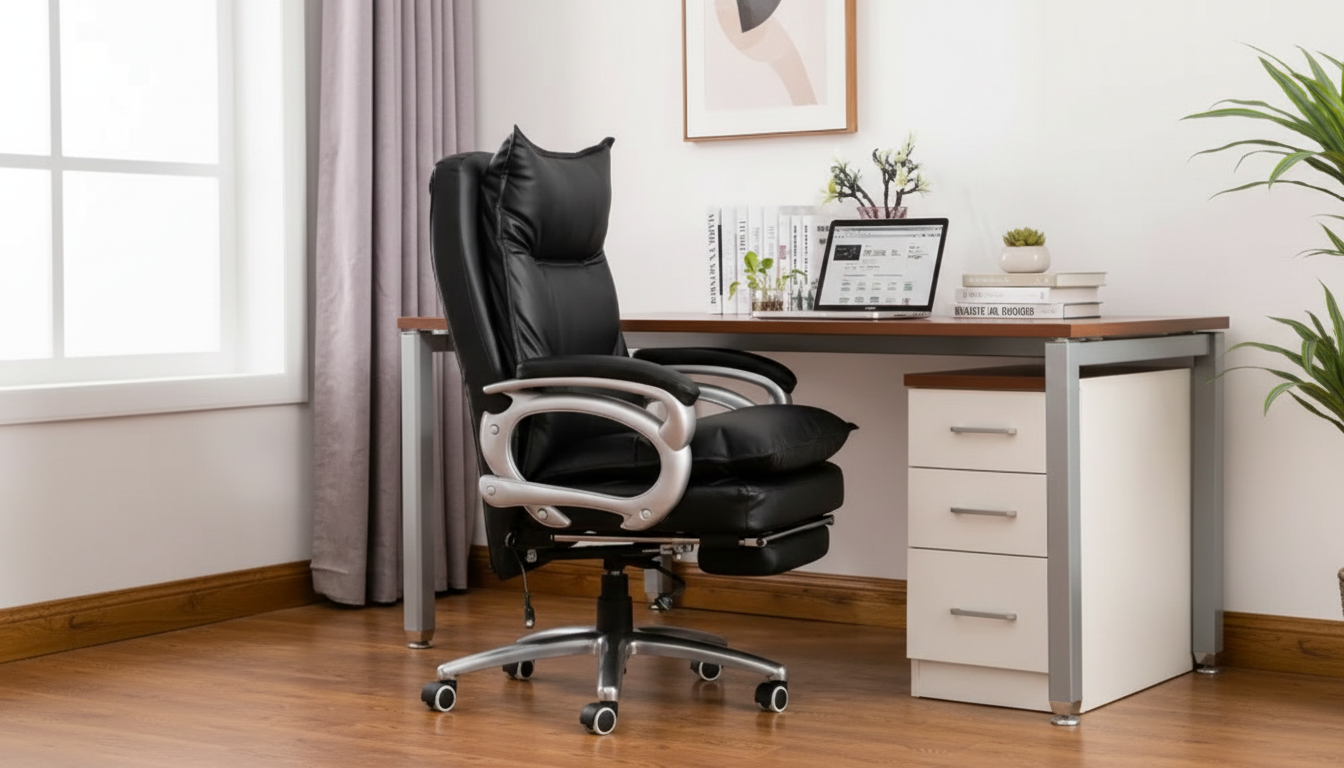
A single chair often ends up doing four jobs: focused work, long gaming sessions, quick meals, and casual lounging. The best results come from choosing a chair that keeps posture steady when upright, stays supportive when reclining, and moves smoothly when you reposition. Below is a practical guide to what matters most—recline support, seat cushioning, swivel stability, and everyday adjustability—so the chair fits routines that change hour by hour.
“Comfort” changes depending on what you’re doing. Typing needs a different kind of support than leaning back with a controller, and dining comfort often comes down to height and arm clearance.
| Use case | Top comfort priorities | Nice-to-have upgrades |
|---|---|---|
| Office work | Lumbar support, height adjustment, stable tilt | Adjustable armrests, breathable upholstery |
| Study/reading | Upright back support, soft seat edge, quiet movement | Head/neck support, foot support when reclining |
| Gaming | Pressure relief, recline range, supportive backrest | Rocking/tilt tension control, wider seat |
| Dining | Correct seat height, easy maintenance, arm clearance | Swivel for easy entry/exit, stain-resistant finish |
Comfort is easiest to get right when the chair fits your body and your most common surfaces (desk and/or table). Use this checklist before committing.
For additional workstation setup guidance, consult ergonomics resources from OSHA’s Computer Workstations eTool and the Mayo Clinic office ergonomics guide.
A reclining swivel chair can be genuinely restorative—if it reclines in a controlled way and still supports the lower back when the angle opens up.
Frequent discomfort is often related to staying static too long. NIOSH explains how ergonomics and movement habits can affect musculoskeletal strain in everyday work setups: NIOSH Ergonomics and Musculoskeletal Disorders.
When one chair has to handle gaming marathons, homework sessions, and the occasional meal, build quality becomes a comfort feature—not just a durability detail.
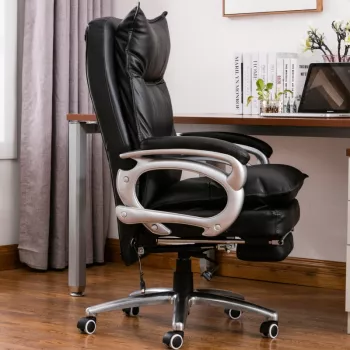
If the goal is one chair that can cover work, study, gaming, and quick dining comfort, a multi-purpose ergonomic swivel recliner is the most direct solution. The Ergonomic Gaming & Office Swivel Chair: Recliner, Study, and Dining Comfort is built around task switching: upright support for focused sessions, swivel movement for easy repositioning, and reclining capability for short recovery breaks.
| Item | Price | Availability |
|---|---|---|
| Ergonomic Gaming & Office Swivel Chair: Recliner, Study, and Dining Comfort | 1111.99 USD | In stock |
Yes when it has stable upright support, controlled recline or tilt tension, and cushioning that stays supportive over longer sessions. Adjust seat height and arm position for desk tasks so shoulders stay relaxed and the lower back stays supported.
It can if the seat height fits the table and the armrests don’t block a close approach. If it will be used near food, wipeable materials and easy-maintenance surfaces make a noticeable difference day to day.
Seat height for flat-foot support, seat depth to avoid pressure behind the knees, and consistent lumbar support when upright tend to matter most. Even with a good fit, short movement breaks help reduce stiffness over time.





Leave a comment
You must be logged in to post a comment.