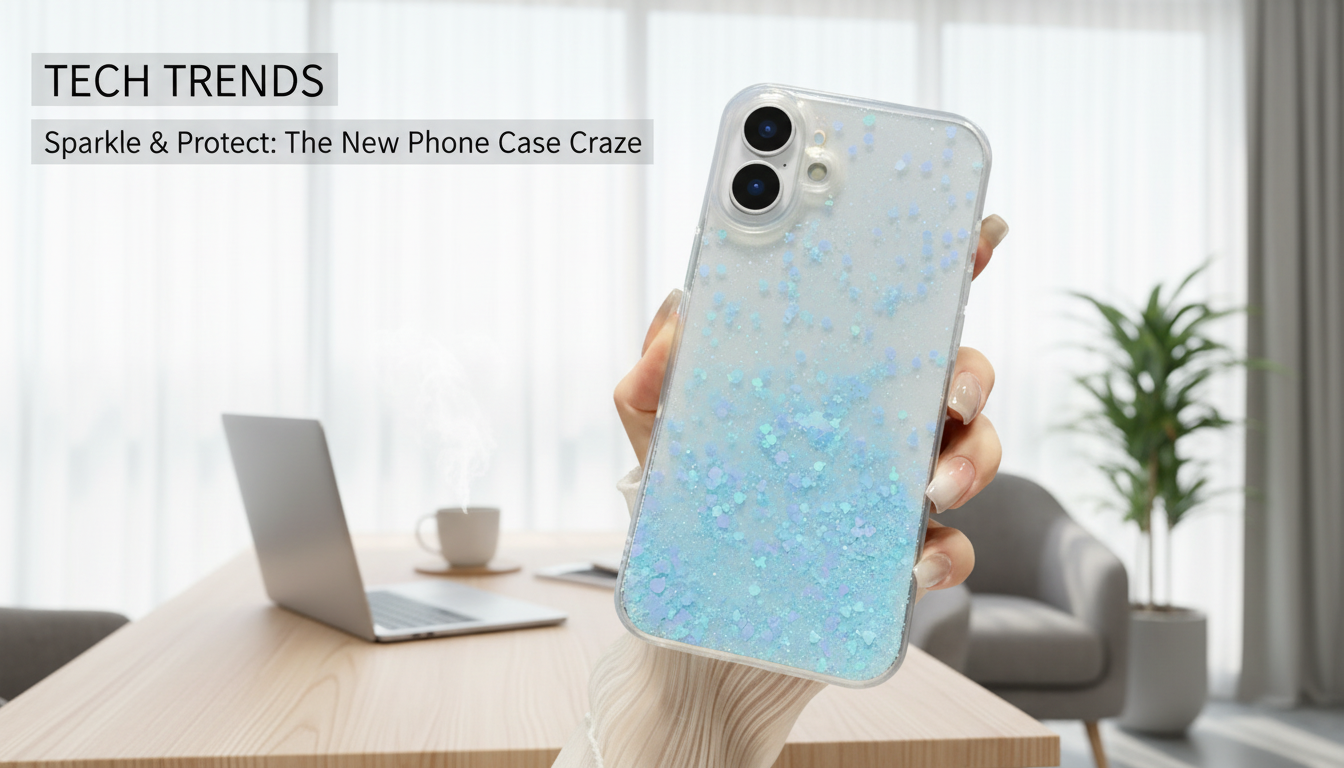
A clear case with a glitter finish adds shine without hiding the iPhone’s color and design. A well-made transparent glitter case should feel polished in the hand, protect against everyday bumps, and keep your phone looking like your phone (not like it’s buried under a thick, opaque shell). Below is what to expect from this style of case, how it holds up day to day, how to choose the right fit for your exact iPhone model, and how to keep the clarity and sparkle looking fresh.
“Luxury” with a clear glitter case is less about being flashy and more about getting the details right. The goal is a clean, glassy look with sparkle that complements the iPhone instead of overpowering it.
Clear glitter cases are typically chosen for style, but the right design still covers the core protection needs for daily routines—commutes, desk work, coffee runs, and quick pocket drops.
For best results, make sure the case fits tightly—loose edges can let grit creep in, which may cause tiny rub marks over time.
A case can look perfect online and still feel “off” if the buttons are stiff or the camera cutout isn’t aligned. These small usability checks make a big difference in daily comfort.
iPhone generations can look similar while having different button placement, thickness, and camera module shapes. Confirming the exact model name is the safest way to get a clean fit and precise camera alignment.
| Check | Why it matters | How to verify in 10 seconds |
|---|---|---|
| Exact iPhone model | Determines dimensions and camera cutout | Settings → General → About → Model Name |
| Camera layout | Prevents lens obstruction and ensures flush protection | Compare the back-camera shape to product photos |
| Button placement | Ensures volume/power buttons click cleanly | Look for aligned side cutouts/covers |
| Charging port clearance | Avoids cable fit issues | Test with the thickest cable head you use |
For Apple’s official model-identification steps, see Apple Support — Find the model name and number on iPhone and Apple Support — Identify your iPhone model.
Clarity and sparkle stay better-looking when oils and dust don’t get a chance to build up. A simple routine also helps reduce the chance of haze or discoloration.
Many clear plastics can yellow due to UV exposure, heat, and skin oils. Keeping the case clean and avoiding prolonged sun or hot-car storage can help maintain clarity longer.
Quality glitter effects are typically sealed within the case material rather than loose against the phone. To avoid micro-scratches, make sure the fit is snug and remove the case occasionally to clear any trapped dust or grit.
Check Settings → General → About → Model Name, then compare your camera layout to the product photos to confirm the right cutout. Model names are more reliable than guessing by screen size alone.







Leave a comment
You must be logged in to post a comment.